Combining recipes into dishes lets you know the nutrition information for the whole dish so that you can calculate the nutrition for a meal.
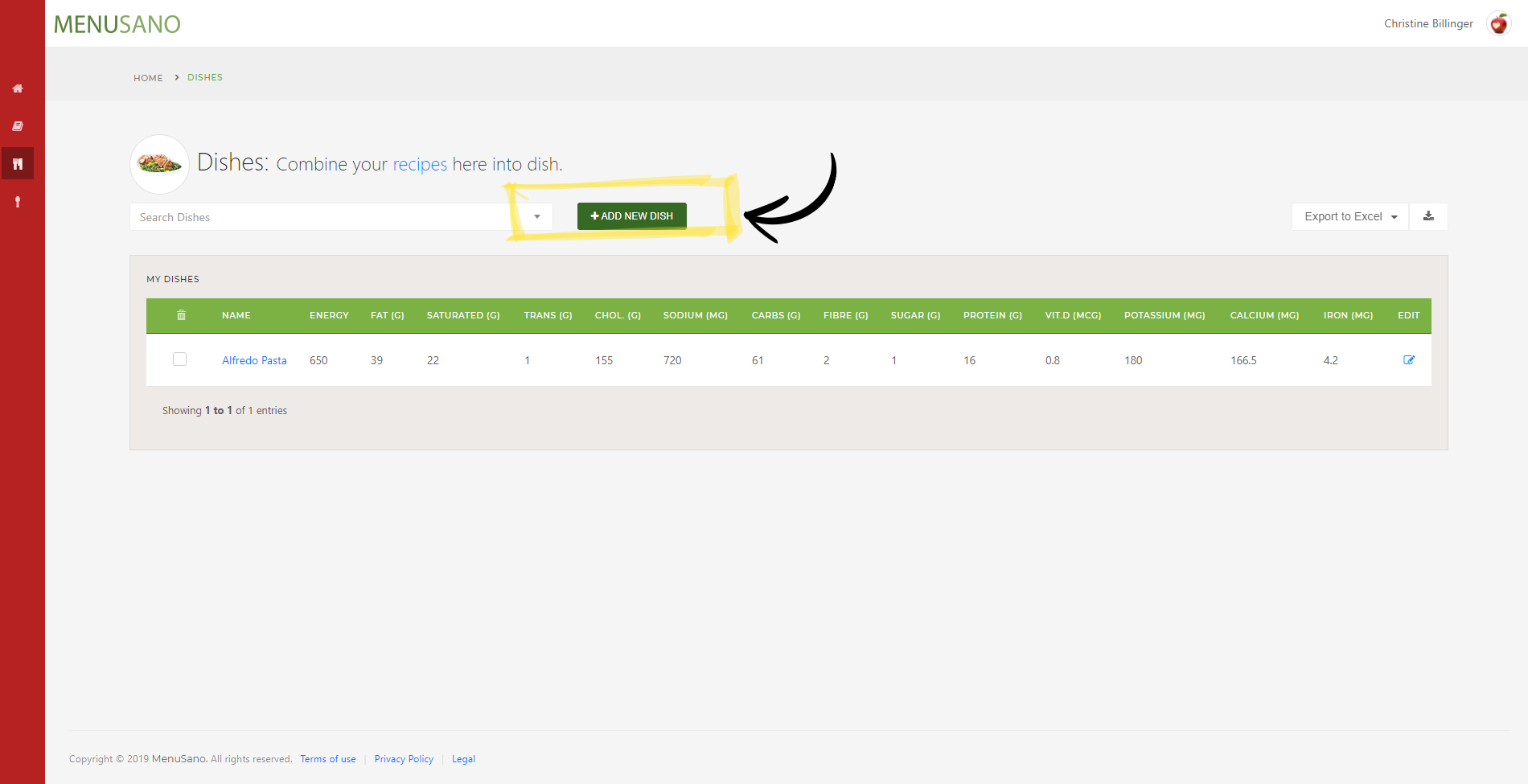
1. On the Dishes page, click "Add New Dish".
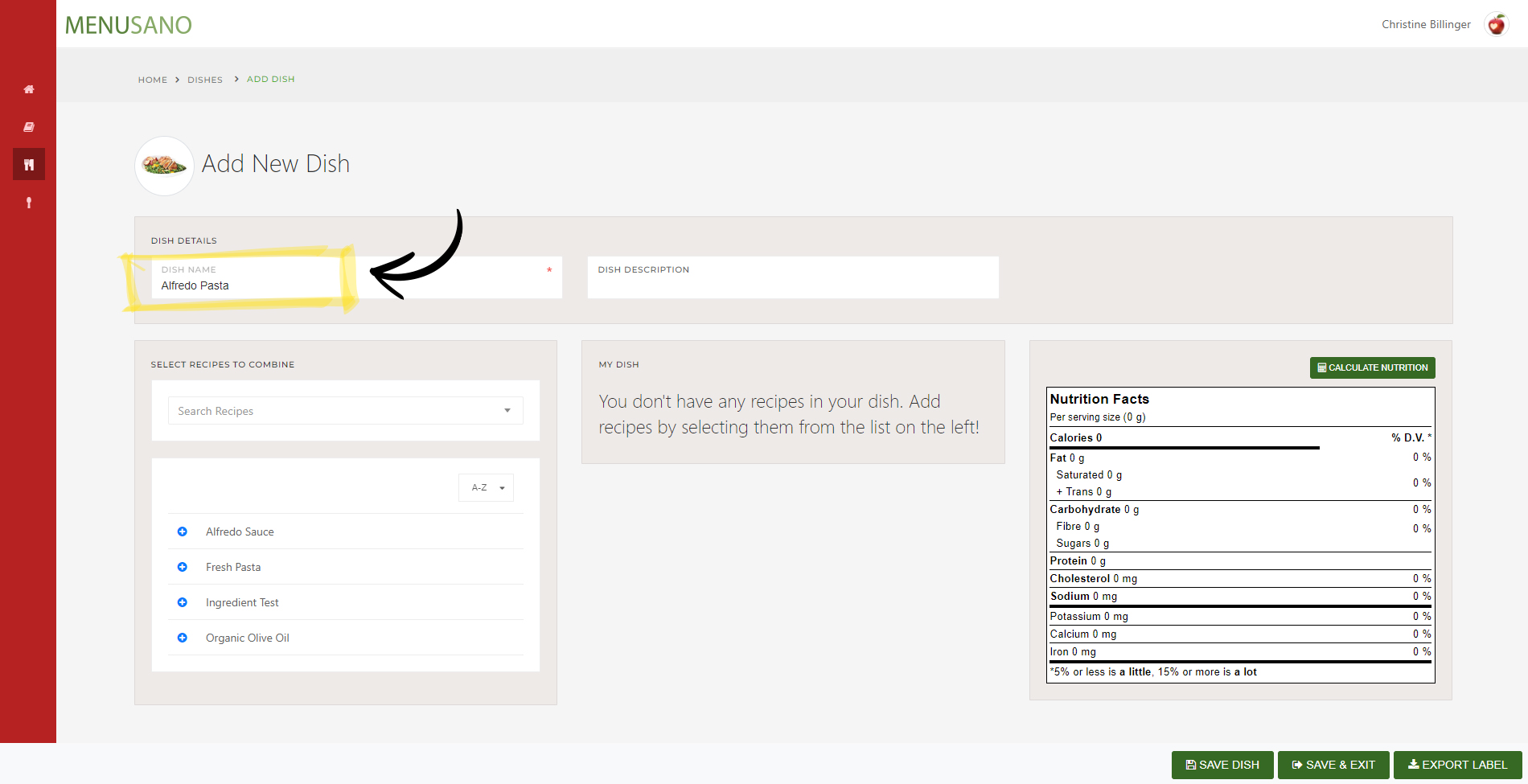
2. Enter a name for the dish and an optional description.
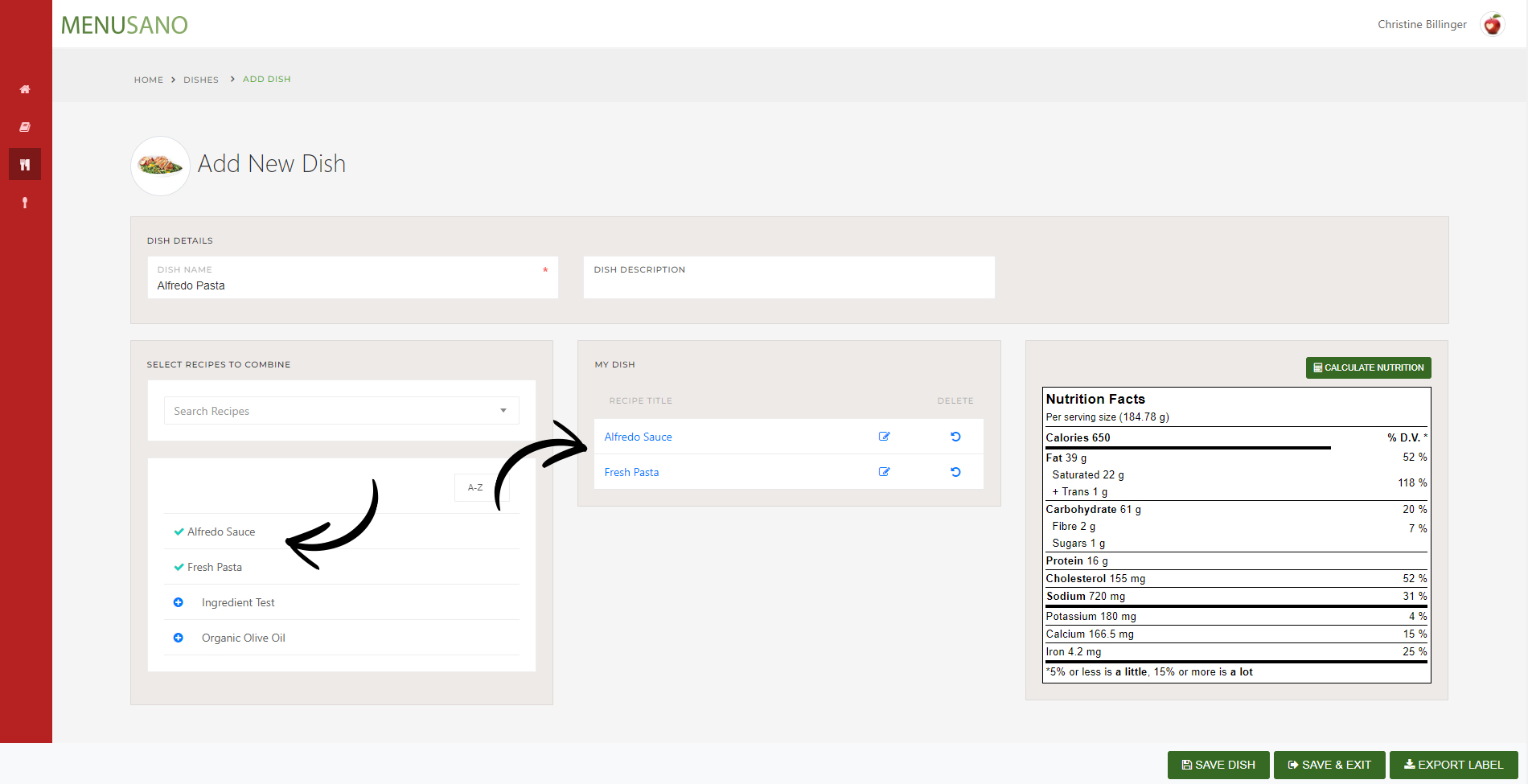
3. Select recipes from the left column that will go on the dish. Click the + icon for each one.
4. To modify the recipe, click on the edit icon.
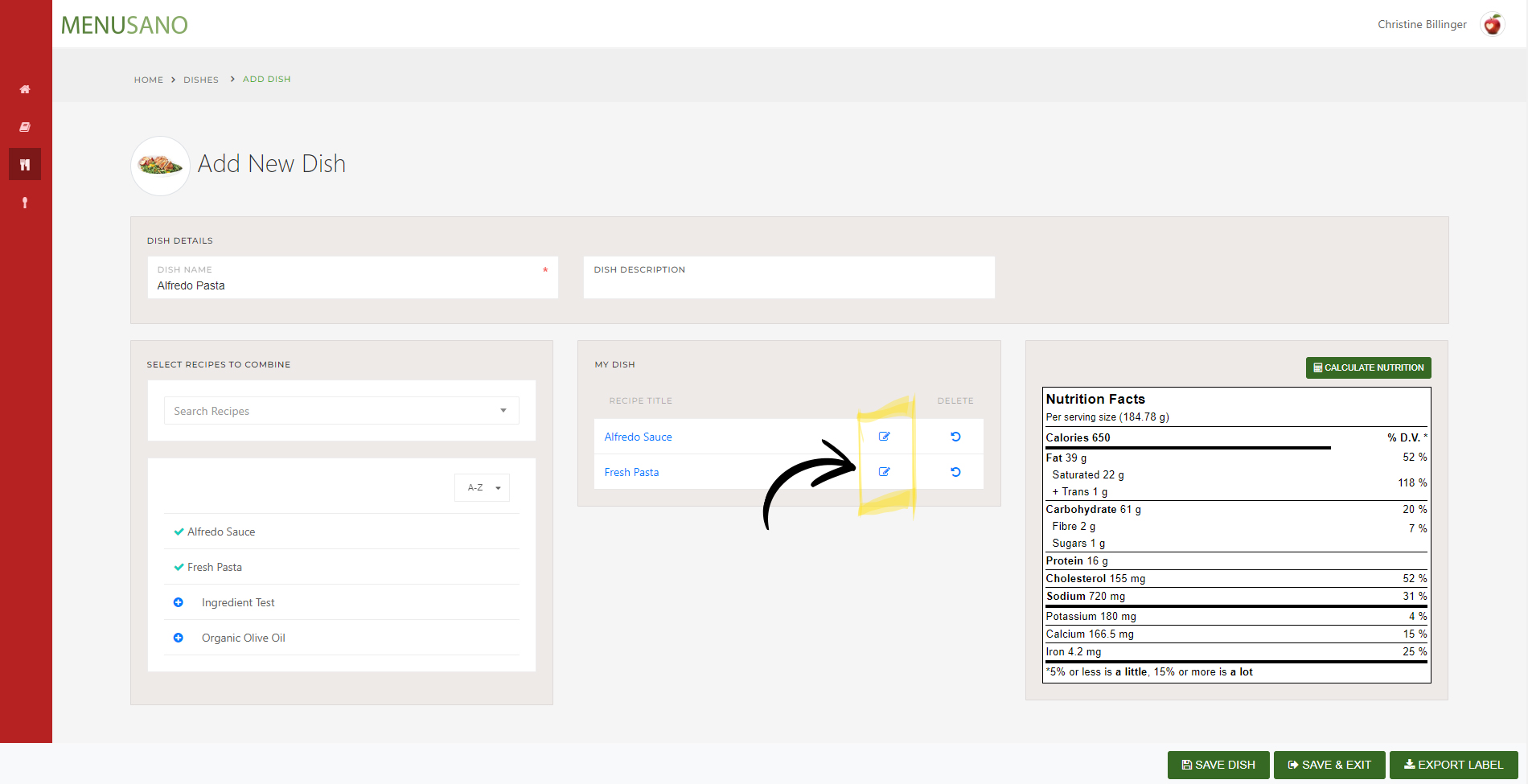
5. To remove a recipe from the dish, click the remove icon.
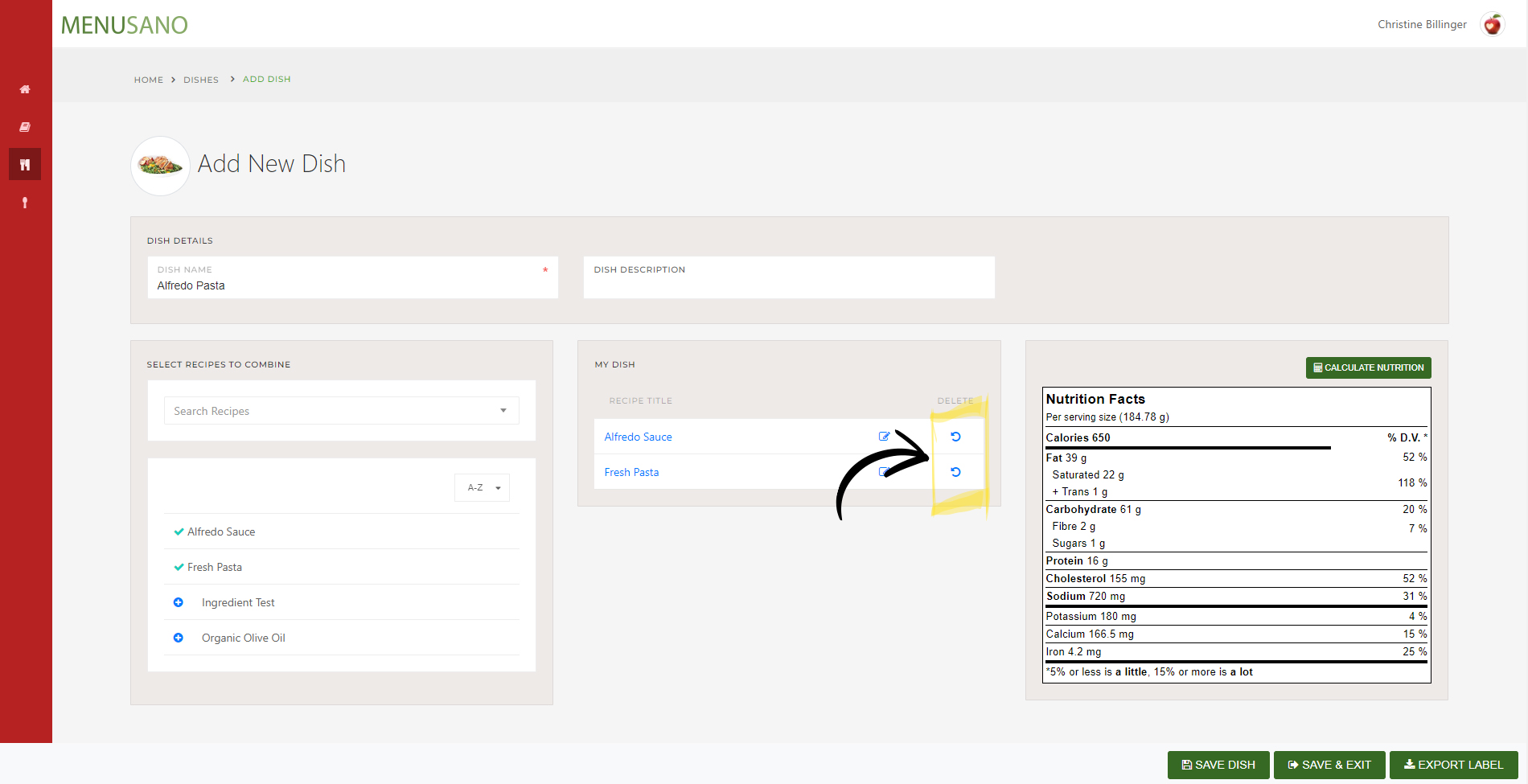
6. Save the dish when you're done.
Comments
0 comments
Please sign in to leave a comment.